Priced per team seat
You choose how many teams to cover, and you're billed for that many seats. Nothing is bundled that you don't need.

One plan for your whole program, priced per team seat. You choose how many teams to cover, and you can change that number any time.
The Program plan is purchased and managed here on the web. Coaches keep using the same PlayClearly apps they already use.
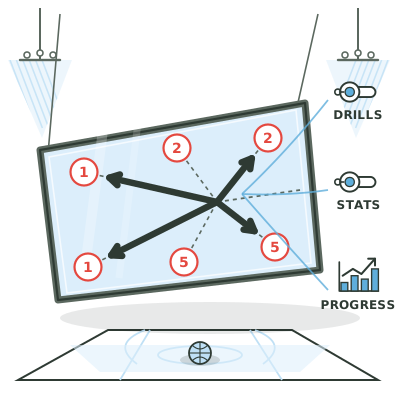
A Program is a single subscription with a seat count. Each team you attach to your Program uses one seat and gets the full feature set for as long as that seat is there.
You choose how many teams to cover, and you're billed for that many seats. Nothing is bundled that you don't need.
Change your team count mid-season from your billing portal. Billing prorates the change automatically. No call, no ticket.
Cover three teams or three hundred. The plan scales with the program — there's no tier boundary that stops you adding seats.
Every coach signs in with their own account and keeps their own content. Nothing is merged into a shared login, and joining your Program doesn't change how they work.
If you drop below your attached-team count, the teams you already have keep working. You just can't attach new ones until you're back under your seat count.
Every team attached to your Program gets the full feature set through the Program. Coverage follows the team, so a coach only needs a plan of their own for teams that aren't in your Program.
Priced per team seat, billed monthly or annually — you choose the interval at checkout. Your seat count and total are shown on the secure checkout page before you pay anything.
Need an invoice, a purchase order, or a custom arrangement for a large program? Email info@playclearly.app and we'll set it up with you directly.
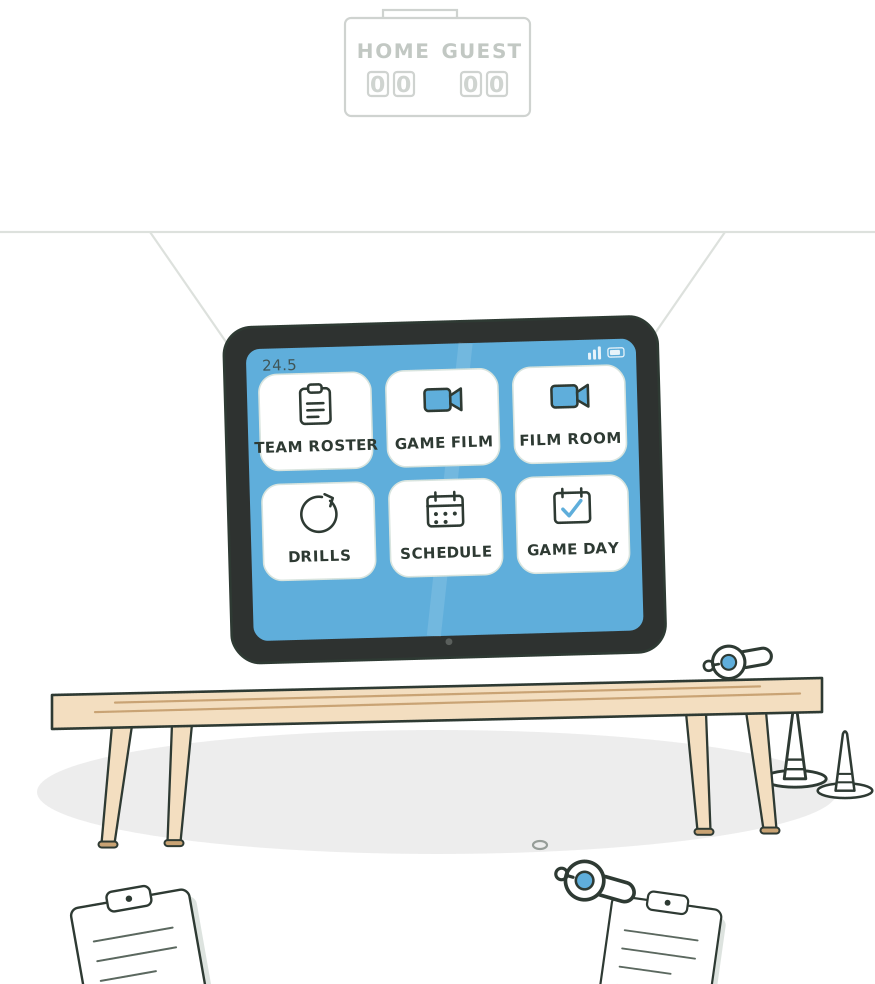
A team attached to your Program gets everything on the Team plan: the full play and training libraries, practice plans, the Play Designer, film upload and annotation, individual development tracking, and the game day suite. Same app, same logins, more unlocked.
This is a recurring subscription, billed monthly or annually — you choose at checkout. It renews automatically each billing period at the then-current per-team price until you cancel. Cancel any time from the billing portal you open from this website — it's hosted by Stripe, our payment provider. No phone call and no email required.
Cancelling stops future charges. Your Program stays active through the end of the period you've already paid for. Your teams and content are not deleted; teams revert to their owners' own plans.
Add or remove team seats any time from the same portal. The change is prorated automatically against your current billing period.
Payments are handled by Stripe on their secure checkout pages. We never see or store your card details.
A seat is one team. If your program runs eight teams and you want all eight covered, you buy eight seats. Each team you attach to the Program uses one of them.
Pricing is per team seat, billed monthly or annually — you pick the interval on the checkout page. Your seat count and total are shown there before you enter any payment details or agree to anything.
For a large program, an invoice, or a purchase order, email info@playclearly.app.
Yes, any time, from your billing portal. Add seats when a new team forms, remove them when a season ends. The change is prorated automatically.
There's no tier boundary that caps your Program — you're billed for the number of seats you hold, so the cost scales with the size of your program. (A single checkout takes up to 10,000 seats; for more than that, email us and we'll set it up with you.)
No. Every coach keeps their own PlayClearly login and their own content. You invite their teams into your Program from the app, and each accepted team uses one seat. Nothing gets merged into a single shared account.
The Program plan is purchased and managed here on the web because it's a per-seat plan where you choose the team count, and because programs often need invoices and purchase orders. The individual and team plans stay in the app.
Once your Program is active and a team is attached to it, the Program covers that team — it doesn't need a plan of its own. Coverage attaches to the team, not to your account: your own plan still governs what you can do on your own account, including saved plays, exports, storage and how many teams you can own. We'd suggest keeping it. Being in a Program is not by itself a reason to cancel your own subscription.
From your billing portal on this website, in the same number of steps it took to sign up. Cancelling stops future charges and your Program stays active through the end of the period you've already paid for. Your teams and their content are not deleted.
Still deciding? Email info@playclearly.app. We read every message.
Sign in with your existing PlayClearly login, pick your team count, and you're set. Renews automatically each billing period until you cancel, which you can do any time from your billing portal here.